

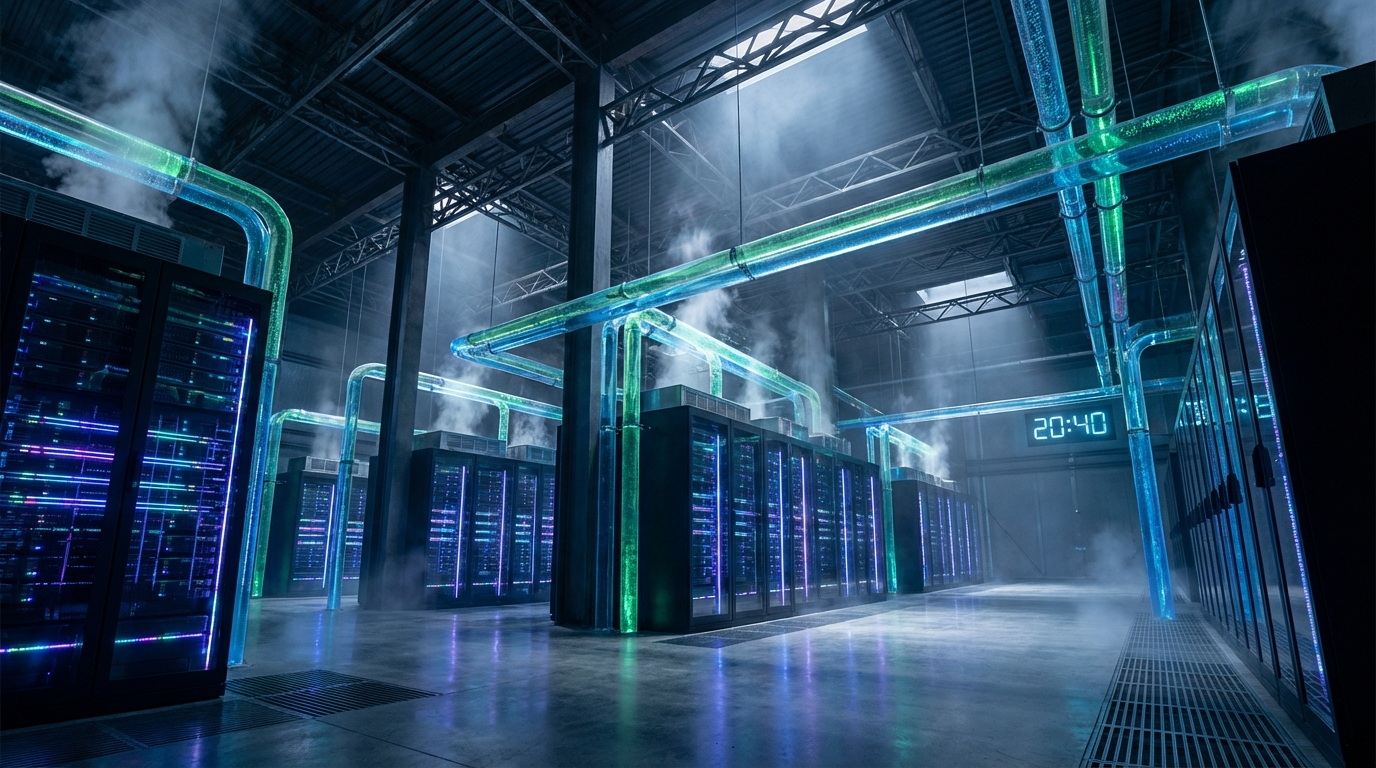
If you’re planning to bring AI workloads on-premises, I have some uncomfortable news: your existing data center probably can’t handle it. Not because your team isn’t skilled—but because the physical laws governing AI infrastructure are fundamentally different from everything we’ve built for traditional enterprise computing.
The shift from general-purpose CPU workloads to GPU-accelerated AI isn’t incremental. It’s a complete architectural reset. A single NVIDIA DGX H100 rack draws 40 kilowatts of power. Next-generation systems like the GB200 NVL72 push that to 130 kilowatts per rack. For context, traditional enterprise racks typically draw 5 to 15 kilowatts. We’re talking about a 10x increase in power density—and that’s just the beginning.
This guide breaks down what you actually need to know before committing capital to on-premises AI infrastructure.
The Power Problem Nobody Warned You About
Traditional data centers were engineered around a comfortable assumption: rack power densities of 5 to 10 kilowatts. Modern AI racks routinely exceed 30 kilowatts and frequently push toward 100 kilowatts or more. This isn’t a gradual evolution—it’s an exponential leap that breaks legacy electrical distribution systems.
Here’s the fundamental physics problem. Power distribution at traditional voltages (120V or 208V AC) becomes wildly impractical at AI scales. A single NVIDIA DGX H100 drawing 10.2 kilowatts at 208 volts consumes roughly 57% of a standard 50-amp three-phase PDU circuit. Scale to multiple systems per rack, and you’ve already exceeded your electrical budget.
The industry response has been to transition to higher-voltage distribution—415V or 480V systems—which reduces amperage requirements and allows for thinner, more manageable cabling. At the extreme end, hyperscalers are moving toward 800V DC distribution directly to the rack. This isn’t optional optimization; it’s a physical necessity. Pushing hundreds of kilowatts through traditional 54V DC distribution would require so much copper that you’d have no physical space left for actual compute hardware.
The National Electrical Code requires calculating total electrical capacity at 125% of anticipated critical load. For AI clusters, forget about diversity assumptions—the idea that not all racks will run at full power simultaneously. AI training jobs synchronize thousands of GPUs, meaning they reach peak consumption together. Your UPS systems must handle consistent high loads, not variable ones.
When Air Cooling Fails Catastrophically
Every watt consumed by a server converts to heat. An AI rack consuming 130 kilowatts generates the thermal equivalent of dozens of residential furnaces compressed into a two-square-meter footprint. Traditional Computer Room Air Conditioning units, designed for the raised-floor era, simply cannot move enough air to dissipate this heat.
Air cooling reaches its absolute physical limit somewhere between 15 and 30 kilowatts per rack. Beyond this threshold, the volume and velocity of air required becomes physically impossible to move. Hot air recirculates. Temperatures spiral. Equipment fails.
The only viable path forward is liquid cooling. Water and engineered dielectric fluids possess heat transfer coefficients up to 3,500 times greater than air. Where air-cooled systems achieve Power Usage Effectiveness ratings of 1.4 to 1.8, liquid-cooled systems can hit 1.02 to 1.10. Every 0.1 improvement in PUE saves approximately $1 million annually in a 10-megawatt facility.
Direct-to-Chip (DTC) Cooling pumps liquid coolant directly over cold plates affixed to GPUs and CPUs. It intercepts 70 to 80 percent of generated heat and integrates into standard rack form factors, making it the practical choice for most enterprise retrofits. The downside: secondary air cooling is still required for memory and networking cards, and the complex tubing introduces leak risks.
Immersion Cooling submerges entire servers in non-conductive dielectric fluid. It captures 100 percent of heat and supports densities exceeding 100 kilowatts per rack—but requires completely redesigned floor plans, custom hardware chassis, and specialized maintenance protocols. This is hyperscaler territory.
If you’re retrofitting an existing facility and want to avoid ripping out your entire cooling plant, Liquid-to-Air CDUs offer a bridging strategy. They use direct-to-chip cooling inside the rack but reject heat via rear-door heat exchangers, letting your existing CRAC units handle the final thermal handoff. It’s not ideal, but it enables rapid deployment of 40 to 50 kilowatt racks without major facility modifications.
Networking: The Fabric Becomes the Computer
AI training distributes work across dozens or hundreds of nodes that must communicate constantly. The network connecting them effectively becomes the computer’s backplane. Standard TCP/IP networking introduces protocol overhead and CPU intervention that’s entirely inadequate for GPU-to-GPU communication.
Both InfiniBand and Ethernet-based RoCEv2 solve this through Remote Direct Memory Access (RDMA), allowing servers to read and write directly to each other’s memory without involving CPUs or operating system kernels. But the implementations differ significantly.
InfiniBand is purpose-built for high-performance computing. It guarantees zero packet loss at the hardware level, providing the extremely low and predictable latency required for synchronized gradient updates during distributed training. In NVIDIA’s reference architectures, InfiniBand compute fabrics use Quantum QM9700 switches delivering 400 Gbps speeds with ConnectX-7 adapters. The trade-off: dedicated switches, proprietary hardware, specialized expertise, and roughly double the cost of Ethernet equivalents.
RoCEv2 Ethernet is evolving rapidly. It implements Priority-based Flow Control to mimic lossless behavior. Recent benchmarks show that highly tuned 800 Gbps RoCEv2 environments can achieve performance parity with InfiniBand in generative AI workloads—while running on ubiquitous hardware that integrates with existing enterprise management systems.
Most enterprise deployments end up with a multi-fabric architecture: InfiniBand for the GPU compute fabric where every microsecond matters, Ethernet for storage access and in-band management where it doesn’t.
One easily overlooked detail: AI clusters require up to five times more fiber connections than traditional CPU environments. Cable management isn’t cosmetic—disorganized cabling blocks exhaust pathways and exacerbates thermal problems. Plan for high-density breakout configurations, ultra-low-loss MTP-to-LC modules, and meticulous pathway management.
Your Building Might Not Support the Weight
Here’s a surprise nobody talks about until it’s too late: AI racks are heavy. Really heavy.
A standard 42U rack with general-purpose servers weighs 1,500 to 2,500 pounds. A fully loaded AI rack containing multiple DGX H100 systems, PDUs, network switches, and CDU manifolds easily exceeds 3,000 to 4,000 pounds. A single DGX H100 system weighs approximately 287 pounds.
Traditional raised floors were never designed for this. Placing a 4,000-pound AI rack on a legacy raised floor risks catastrophic structural failure. Even before failure, structural sagging can damage subfloor liquid cooling piping or misalign precision optical fiber connections.
New AI-focused data centers are transitioning to slab-on-grade construction. Cabling and power route overhead via cable trays and track busways, eliminating raised floor requirements entirely. For retrofits, structural reinforcement is mandatory—weight distribution plates, specialized sub-floor stanchions rated for extreme point loads, and often professional structural engineering assessments.
The logistics are equally challenging. Racks and individual nodes are too heavy for manual installation. A 287-pound 8U server requires motorized lifts. Loading docks need reinforced pathways extending directly to the white space. And in seismically active zones, the top-heavy nature of AI racks with liquid cooling loops at the top demands engineered seismic base isolators.
Know Your Workload Before You Buy Hardware
Before selecting any hardware, you must characterize your specific workload. Infrastructure requirements diverge sharply depending on whether you’re doing model training, fine-tuning, or production inference.
Model training is a synchronous, burst-heavy process. Thousands of GPUs must communicate and synchronize constantly. Jobs run for weeks or months. This demands the most powerful accelerators, non-blocking terabit-scale networking, and high-throughput storage to prevent GPUs from idling while waiting for data.
Inference is different. While a single forward pass requires a fraction of training’s compute power, inference runs continuously in production and accounts for 80 to 90 percent of lifetime AI costs. It’s bottlenecked by memory bandwidth and network latency to end-users, not raw compute capability.
The critical constraint in both cases is GPU VRAM. A 70 billion parameter model at FP16 precision requires 140 GB of VRAM just to load. Add the Key-Value cache for concurrent users—which scales with request count, sequence length, and model dimensions—and requirements explode. Twenty concurrent users on a 70B model with 8K context windows can demand 420 GB of VRAM for the KV cache alone.
This explains why deployments frequently fail under load and why you need massive GPU clusters even for seemingly modest user bases.
The Retrofit vs. Build Decision
Retrofitting existing data centers costs 30 to 50 percent less than new construction and avoids multi-year permitting cycles. Brownfield sites with abundant utility power are considered “pure gold” because they can come online quickly.
But retrofits face hard physical constraints. Many older buildings have low ceilings with no room for overhead busbars or liquid cooling manifolds. Legacy facilities operate under diversity assumptions that AI workloads shatter. Installing liquid infrastructure means major renovation of piping, pumps, and mechanical rooms.
Greenfield facilities offer a blank canvas. You can design liquid-first cooling, high-voltage 480V distribution, and structural slab floors from day one. Capital expenditure runs higher—$20 million or more per megawatt for AI-optimized facilities versus $10-12 million for traditional builds—but future-proofing and lower operating costs through better PUE often justify the premium.
The Path Forward
Planning enterprise data center capacity for AI isn’t an exercise in scaling existing architectures. It requires ground-up reinvention.
Start with workload characterization. Understand the distinct demands of training versus inference, and whether you’re implementing RAG (which shifts infrastructure burden to high-performance vector databases) or fine-tuning (which requires dedicated GPU compute clusters).
Then face the physical realities. Power distribution must support 10x density increases. Cooling must transition to liquid. Networking must achieve RDMA-level latency. Structural engineering must handle 4,000-pound racks and seismic isolation.
The organizations succeeding with on-premises AI are treating this as a complete infrastructure transformation, not an incremental upgrade. Plan accordingly—or plan to be left behind.