
I’ve been using Stitch for a while now. It’s been a solid tool for turning ideas into UI quickly. So when Google announced a wave of new design features — an infinite canvas, a design agent, voice commands — I read through the announcement and thought: nice, but is this really that big of a deal?
Incremental improvements. Quality-of-life stuff. Nothing that would fundamentally change how I work.
After spending serious time with the updated version, I’m ready to admit I was wrong. These aren’t incremental improvements — they’re a genuine shift in how design thinking enters the software development process.
What Exactly is “Vibe Design”?
The term sounds like marketing fluff, but the concept behind it is genuinely useful. Traditional design starts with wireframes, moves to mockups, then to high-fidelity designs. It’s linear. It’s methodical. It’s also slow.
Vibe design flips this on its head. Instead of starting with structure, you start with intent. What’s the business objective? What should users feel? What’s inspiring you right now? You describe the vibe, and AI generates high-fidelity UI that matches.
This isn’t about skipping the design process — it’s about exploring exponentially more ideas in the same amount of time. When generating variations costs seconds instead of hours, you can chase hunches that would otherwise die in prioritization meetings.
The New AI-Native Canvas
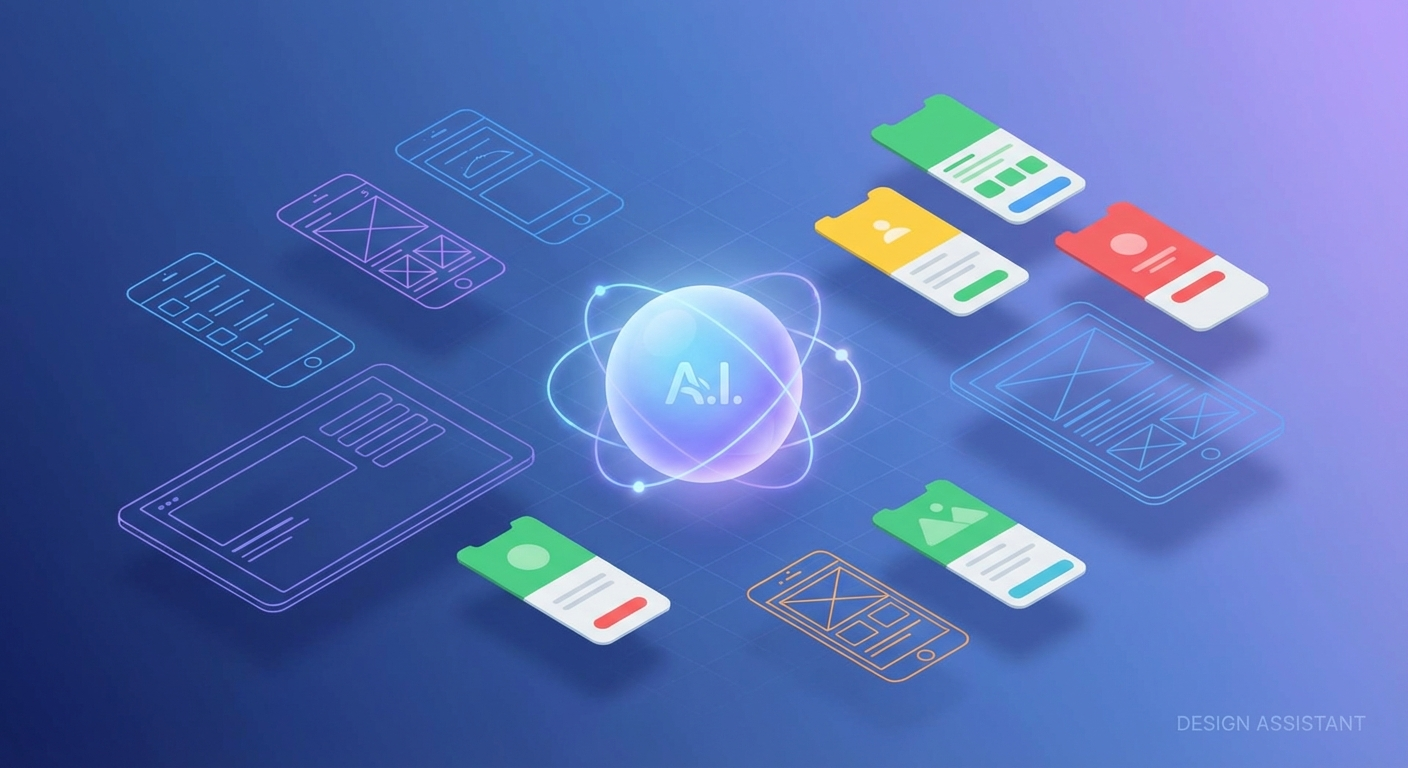
Google has completely rebuilt the Stitch interface around an infinite canvas concept. If you’ve used tools like Miro or FigJam, the spatial model will feel familiar. But this isn’t a whiteboard for sticky notes — it’s a design environment where AI understands context across your entire project.
You can drop anything onto this canvas: images, text, code snippets, screenshots of competitor apps, hand-drawn sketches. All of it becomes context for the AI. Ask for “a checkout flow that feels as smooth as this Stripe example but matches our brand colors” and Stitch actually understands what you mean.
The infinite canvas also solves a real problem in design iteration: version archaeology. When you’re exploring five different directions simultaneously, traditional tools force you into folder hierarchies or artboard naming conventions that inevitably break down. The spatial canvas lets ideas exist in relationship to each other. You can see your divergent explorations and convergent refinements at a glance.
The Design Agent Changes Everything
Here’s where my skepticism started to crack. Stitch now includes what Google calls a “design agent” — an AI that reasons across your entire project’s evolution, not just individual prompts.
The agent remembers what you’ve tried. It understands why you rejected certain directions. When you ask for “something completely different,” it actually knows what to avoid. This contextual memory transforms AI from a generation tool into something closer to a collaborative partner.
Even more impressive is the new Agent Manager. You can work on multiple design directions in parallel, each with its own agent tracking progress. It’s like having several junior designers exploring different concepts simultaneously, except they never need coffee breaks and they actually remember your feedback.
DESIGN.md: Portable Design Systems
For those of us who live in code as much as design tools, Google introduced something clever: DESIGN.md. It’s a markdown file format for design systems that both humans and AI can read.
Think of it as a design system that travels. Extract your design tokens from any URL, export them to DESIGN.md, and import them into other projects — whether that’s another Stitch project, a coding tool, or anything else that speaks the format.
This solves the eternal problem of design-to-development handoff. Instead of designers maintaining a Figma library while developers maintain a separate component library (that inevitably drifts), DESIGN.md creates a single source of truth that both sides can actually use.
Voice-First Iteration
I didn’t expect to use voice commands. Talking to your computer feels awkward, and I assumed it would be slower than just typing prompts. Wrong again.
Voice mode shines during iteration. You’re looking at a design, you see something off, and you say “make the header bolder and try three different accent colors.” The changes happen in real-time as you speak. No context switching. No hunting for the right input field. Just continuous creative flow.
The agent can also critique your work. Ask “what’s not working here?” and you get genuine design feedback — spatial relationships, color contrast issues, hierarchy problems. It’s like having a design review on demand.
From Canvas to Code
A beautiful design that can’t be built is just expensive wall art. Stitch addresses this with MCP (Model Context Protocol) integration and an SDK that bridges design tools with development environments.
You can export designs directly to AI Studio or Antigravity. The recently released Stitch MCP server and SDK let you integrate Stitch’s capabilities into custom workflows. There’s even a growing ecosystem of skills — with over 2,400 stars already — extending what Stitch can do.
The “Stitch” feature (yes, the tool is named after its killer feature) lets you connect screens into interactive prototypes instantly. Click any element, and Stitch can automatically generate the logical next screen. You’re not just designing static layouts — you’re mapping user journeys in real-time.
Who Should Care?
If you’re a developer or founder who’s already using Stitch, these updates are worth exploring immediately. The canvas and agent features genuinely change how you interact with the tool.
If you’re new to AI-assisted design, this is a strong entry point. The gap between “idea in your head” and “thing stakeholders can react to” shrinks from days to minutes.
If you’re building products with AI integration, pay attention to DESIGN.md and the MCP ecosystem. The design-to-code pipeline is about to get significantly smoother.
The Bigger Picture
Vibe design isn’t just a feature — it’s a shift in philosophy. Traditional tools optimize for precision: exact pixels, perfect specifications, bulletproof handoffs. Stitch optimizes for exploration: rapid iteration, parallel possibilities, continuous refinement.
Both matter. You need precision for production. But you need exploration to find ideas worth producing.
I came into this update skeptical that these features would meaningfully change my workflow. After using the new Stitch extensively, I’m convinced that vibe design represents a genuine evolution in how we translate ideas into interfaces. Not a replacement for design thinking — an amplifier for it.
The gap from idea to reality just got significantly smaller.
Stitch is available now at stitch.withgoogle.com. The DESIGN.md documentation and MCP server are open for developers to explore.