
If you’ve been following the AI coding assistant space, you’ve probably heard about the recent Claude Code source disclosure that sent shockwaves through the developer community. While the circumstances were… less than ideal for Anthropic, the silver lining is that we now have unprecedented insight into how one of the most sophisticated agentic coding systems actually works under the hood. And what we found is fascinating: a three-tier multi-agent orchestration system that transforms how we think about AI-assisted development.
In this deep dive, we’ll explore how to harness sub-agents and agent teams to tackle projects that would make a single AI instance throw up its metaphorical hands. You’ll learn when to spawn specialized child agents, how to configure collaborative teams, and the patterns that separate amateur prompt-wranglers from multi-agent maestros.
The Problem with Single-Agent Workflows
Here’s a scenario every developer using AI assistants has encountered: you’re deep into a complex refactoring session, your context window is stuffed with file contents, conversation history, and half-remembered implementation details. The AI starts making mistakes—confusing variable names, forgetting constraints you mentioned earlier, or suggesting changes that contradict decisions from an hour ago.
This is “context rot” in action, and it’s the Achilles heel of traditional AI coding workflows.
Claude Code’s answer to this problem is hierarchical delegation. Instead of cramming everything into one overwhelmed context window, you spawn specialized child processes—sub-agents—each with their own clean slate focused on a specific subtask. The parent agent orchestrates the overall workflow while children handle the implementation details, then report back with structured results.
Think of it like a well-run development team: the tech lead doesn’t personally write every line of code. They break down the project, delegate to specialists, review the results, and synthesize everything into a cohesive whole.
Understanding Sub-Agents: Your Specialized Workforce
Sub-agents in Claude Code aren’t just prompts with fancy packaging. They’re structured entities with independent lifecycles, isolated context windows, and configurable capabilities. When you spawn a sub-agent, it gets its own fresh context focused entirely on the task at hand.
Defining Sub-Agents via Markdown
The cleanest way to configure sub-agents is through Markdown files with YAML frontmatter. These blueprints define the agent’s persona, capabilities, and constraints:
---
name: security-reviewer
description: "Audit code changes for security vulnerabilities. Use proactively on any PR touching authentication, authorization, or data handling."
model: sonnet
tools:
  - Read
  - Glob
  - Grep
disallowedTools:
  - Bash
  - Write
  - Edit
memory: project
maxTurns: 10
---
The description field is crucial—it’s not just documentation. Claude Code uses sophisticated heuristics to determine when a sub-agent should be auto-delegated, and phrases like “Use proactively” or “Always run for…” significantly influence this decision. You can also explicitly invoke agents using the /agents command or by naming them in your prompt.
Built-In Agent Types
Claude Code ships with three primary agent archetypes, each optimized for different workflow phases:
Explore Agent — The reconnaissance specialist. Optimized for read-heavy operations, this agent uses the Haiku model variant to rapidly scan directories and map architectures. When you need to understand an unfamiliar codebase without burning through your budget on high-tier models, Explore is your friend.
Plan Agent — The architect. Activated during “Plan Mode,” this agent focuses on research and high-level decisions. It produces detailed implementation roadmaps for your approval before any code gets written. Perfect for those “measure twice, cut once” moments.
General-Purpose Agent — The implementer. This is your standard task-executor with full access to Edit, Write, and Bash tools. Once the plan is approved, these agents do the actual work of modifying your codebase.
The Four-Step Task Cycle
For reliable multi-agent workflows, the leaked source reveals a gold-standard verification pattern:
-
Invoke task-executor — Pass the file path and specific instructions. Receive a structured JSON response including status and flags like
requiresTestReview. -
Verify via integration-test-reviewer — If the executor flags review requirements, a separate sub-agent validates the changes against your test suite.
-
Invoke quality-fixer — Mandatory QA pass with automatic error correction. Think of it as your CI pipeline’s AI-powered counterpart.
-
Execute Git Commit — Only after receiving
approved: truefrom the quality-fixer does the orchestrator commit the changes.
This pattern ensures architectural integrity and prevents the fragmented decisions that plague ad-hoc AI development sessions.
Agent Teams: Collaborative Multi-Instance Workflows
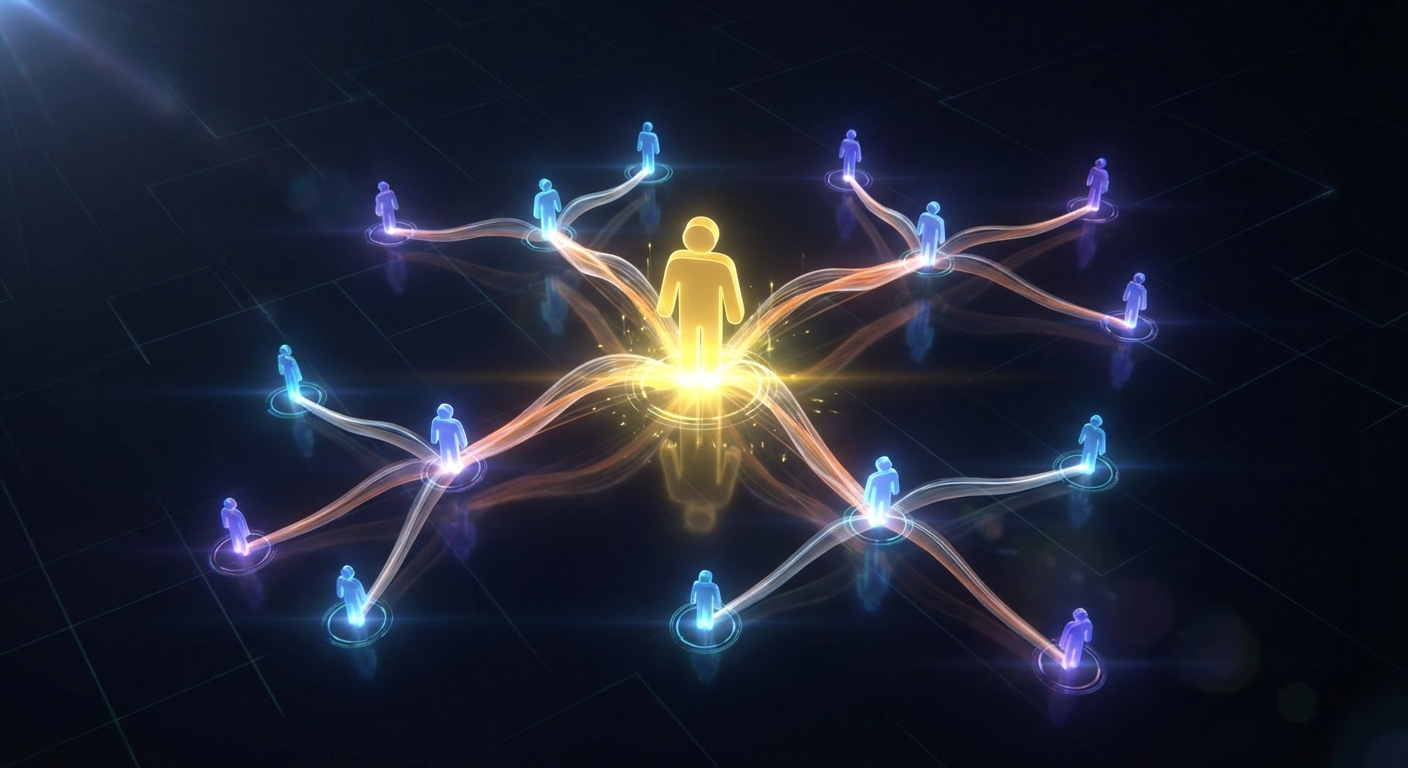
While sub-agents operate in a strict parent-child hierarchy, Agent Teams introduce something genuinely novel: peer-to-peer collaboration among multiple Claude instances. This experimental feature (enabled via CLAUDE_CODE_EXPERIMENTAL_AGENT_TEAMS=1) is designed for massive tasks that can be partitioned into independent but related modules.
Imagine building a full-stack feature: frontend components, backend API, database migrations, and infrastructure updates. A single agent would struggle to maintain coherent context across all these domains. With Agent Teams, you have specialized teammates working simultaneously, each focused on their piece of the puzzle.
How Teams Coordinate
When you enable Agent Teams, a single Claude Code session serves as the “Team Lead.” This lead is responsible for decomposing your high-level request into a shared task list stored in .claude/tasks/. Here’s where it gets interesting:
Self-Claiming Tasks — Teammates don’t wait for assignments. They pull from the shared task list and claim work independently. The system implements git-based locking to prevent conflicting edits—when an agent claims a task, it writes a lock file that others respect.
Peer-to-Peer Messaging — Teammates can communicate directly through an internal “mailbox” system. Your Backend teammate can inform Frontend about a changed API contract without routing through the Team Lead. This reduces bottlenecks and mimics how actual development teams collaborate.
Continuous Merges — Agents autonomously pull and push changes to a shared repository. The system handles the git operations, keeping everyone synchronized without manual intervention.
Right-Sizing Your Team
More agents isn’t always better. The documentation recommends 3-5 teammates for most tasks. Token costs scale linearly with team size, and coordination overhead can outweigh the parallelization benefits if you get too ambitious.
The Team Lead performs “Result Synthesis” at the end—aggregating findings, resolving conflicts, and presenting a unified outcome to the human. This final integration step is critical; without it, you’d be left with scattered changes that may or may not work together.
The Conductor Pattern: Orchestration Without Implementation
For complex, multi-stage workflows, the “Conductor” pattern separates orchestration from execution entirely. The Orchestrator agent directs specialized sub-agents but never performs low-level work itself—it’s restricted to tools like Agent, AskUserQuestion, TaskUpdate, and git commits.
This separation has a powerful side effect: scale determination. The Conductor uses a complexity matrix to match task scope with documentation requirements:
| Scale | Files Affected | Pre-Implementation Requirements |
|---|---|---|
| Small | 1-2 files | Direct implementation |
| Medium | 3-5 files | Brief design notes |
| Large | 6+ files | Full PRD, Design Doc, Work Plan |
A single-file bug fix doesn’t need architectural documentation. A major feature spanning multiple services absolutely does. The Conductor pattern enforces this discipline automatically.
Memory Architecture: Preventing Context Collapse
The most technically sophisticated aspect of multi-agent orchestration is memory management. Claude Code doesn’t store entire conversation histories in its context window—that path leads directly to context rot. Instead, it uses a three-layer “Self-Healing Memory” system:
Lightweight Index (MEMORY.md) — A concise file (~150 characters per line) containing pointers to project knowledge. This index is always loaded, acting as a map of what the agent “knows” without consuming massive context.
Topic Files — Detailed technical documentation stored in distributed files. These are only loaded when the index indicates they’re relevant to the current task. Need-to-know basis, essentially.
Grep-based Recall — For historical decisions, agents use grep or ripgrep to search raw transcripts rather than loading them wholesale. This pattern is dramatically more efficient than stuffing everything into context.
The system also employs a four-stage compaction pipeline: tool result budgeting, microcompact (removing metadata), context collapse (aggregating repeated operations), and autocompact (full session distillation). Critically, results from sub-agent handoffs are never microcompacted—they’re considered “frozen” to preserve high-level architectural decisions throughout the session.
Practical Implementation: The GSD Framework
The “Get-Shit-Done” framework demonstrates these patterns in action. It’s a collection of approximately 50 Markdown files and slash commands that automate the entire development lifecycle through “waves” of specialized agents:
Phase 1: Parallel Research — Four Researcher agents (Stack, Features, Architecture, Pitfalls) spawn simultaneously. Each writes findings to independent files, preventing context collision.
Phase 2: Synthesis — A Synthesizer agent reads the research outputs and distills them into a unified SUMMARY.md.
Phase 3: Execution — Implementation agents work through the plan, committing changes one task at a time to maintain a clear git history.
Because each phase starts in a fresh sub-agent context, quality remains high throughout the project. The dreaded context rot that accumulates in marathon sessions simply can’t take hold.
Security Considerations
With great agency comes great responsibility—and the leaked source reveals Anthropic takes this seriously. Every capability passes through permission-gated validators. Commands executed via Bash go through multiple security checks: validateGitCommit, validateSafeCommandSubstitution, validateRedirections, and more.
For your own multi-agent workflows, adopt a zero-trust approach:
- Restrict Tool Access — Sub-agents should be explicitly denied Bash access unless strictly necessary. Read-only agents should remain read-only.
- Snapshot Verification — Use
/diffcommands to inspect changes against pre-edit snapshots before committing. - Isolated Execution — The
isolation: worktreeoption runs agents in temporary git worktrees, providing filesystem sandboxing.
Conclusion
Multi-agent orchestration isn’t just a power-user feature—it’s becoming essential for tackling the complexity of modern software projects. The patterns revealed in Claude Code’s architecture—hierarchical sub-agents, peer-to-peer teams, conductor orchestration, and self-healing memory—provide a blueprint for building AI workflows that actually scale.
The key insight is that context management is everything. By isolating concerns into focused sub-agents, maintaining lean memory indices, and establishing clear orchestration patterns, you can accomplish in hours what used to take days of frustrated prompt iteration.
Whether you’re implementing the full GSD framework or simply spawning an Explore agent to map an unfamiliar codebase, the fundamental principle remains: divide and conquer. Let specialized agents excel at what they do best, and reserve your main context for high-level reasoning and integration.
Now go build something that would make a single agent weep.