

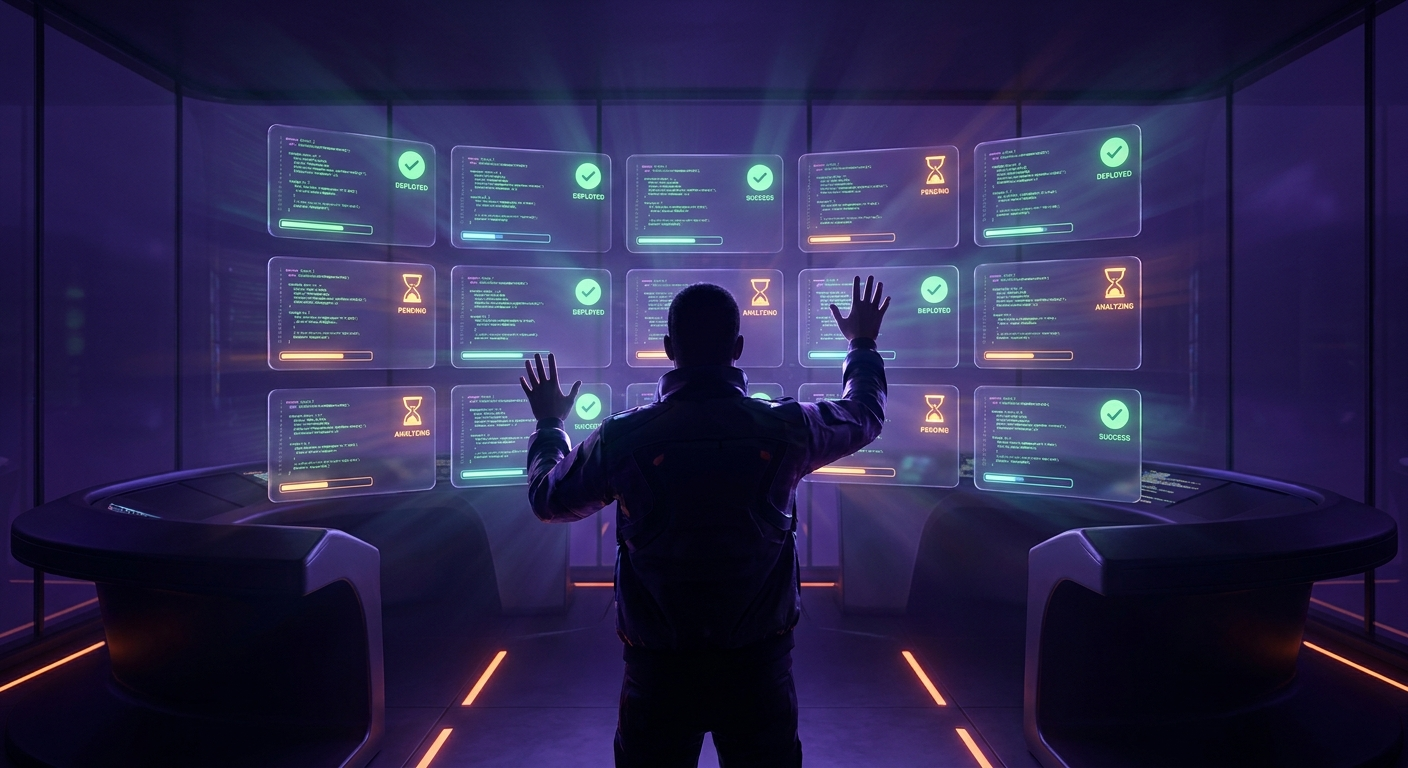
Running multiple AI coding agents simultaneously has always felt like conducting an orchestra while blindfolded. You’ve got terminal tabs multiplying like rabbits, a tmux grid that looks like mission control, and somewhere in your head you’re trying to track which agent is waiting on you and which one just shipped a PR. Anthropic just dropped something that might actually fix this: agent view in Claude Code.
In this post, we’ll break down what agent view brings to the table, how it actually works, and the patterns emerging from developers who’ve been using it in preview.
The Problem Agent View Solves
If you’ve spent any serious time with Claude Code, you’ve probably hit the wall. You spin up an agent to refactor that gnarly authentication module. Then you realize you need another one to update the API docs. Oh, and there’s that PR that needs a babysitter to keep responding to review comments.
Suddenly you’re juggling multiple sessions across terminals, losing track of which ones are blocked waiting for your input, and occasionally discovering that an agent finished its work three hours ago while you were deep in another session.
Agent view centralizes all of this. One interface. All your sessions. At a glance, you can see what’s running, what’s waiting on you, and what’s done.
How It Actually Works
The mechanics are straightforward, which is exactly what you want from a feature like this.
The Agent Grid
Press the left arrow from any active Claude Code session, or run claude agents from your terminal. You get a grid view showing every session—active, waiting, or complete. Each row displays the session identifier, whether it needs your input, a preview of the last response, and when you last touched it.
Think of it like an email inbox for your AI agents. Unread items (sessions needing input) bubble up. You can scan quickly without diving into each one.
Peek and Reply Inline
This is where it gets useful. Select any session and you can peek at the last turn without fully attaching to it. If the agent is waiting on a decision—maybe it’s asking whether to proceed with a destructive refactor or which approach to take on a design decision—you can answer right there inline.
The session picks back up with your response. No context switching. No losing your place in whatever else you were doing. Press enter if you need the full transcript, but most of the time you won’t.
Background Everything
The real workflow unlock is backgrounding. Take any existing session and send it to agent view with /bg. Or skip the foreground entirely—launch directly into the background with claude --bg [task].
This is the pattern for parallel work. Fire off five tasks, each doing something different across your codebase. Pop into agent view occasionally to handle any blockers. Return to a stack of completed work.
Emerging Patterns from Early Users
Anthropic highlighted a few patterns from the research preview, and they map to real workflows that anyone managing complex codebases will recognize.
Parallel Task Dispatch
The most obvious use case: dispatch several coding tasks simultaneously. Maybe you’re tackling a batch of small bugs, or you want multiple approaches explored in parallel. Each agent can be paired with a specific skill or context. Come back later to a list of PRs ready for review.
The mental model shifts from “one thing at a time” to “batch and review.”
Long-Running Agent Management
Some agents aren’t one-shot tasks. PR babysitters that monitor for review comments and respond automatically. Dashboard updaters that check metrics and regenerate reports. Looping jobs that run on schedules.
Agent view shows these alongside your active work. You can see when the next run is scheduled, check their status, and intervene when needed—all without hunting through terminal sessions.
Fluid Session Navigation
Here’s a subtler but powerful pattern. You’re deep in a session, working through a complex implementation. A question comes up that needs a quick codebase search, or you want to spin off a related but separate task.
Left arrow. Start the new task. It runs in the background. Right arrow back into what you were doing. When the side task completes, peek shows you the answer. Your main flow never breaks.
Shipping Visibility
Status indicators on each row, combined with the peek preview, make it easy to scan which sessions actually produced output. Did it open a PR? Did it commit changes? You can see at a glance without attaching to each session.
Getting Started
Agent view is available now as a Research Preview on Pro, Max, Team, Enterprise, and API plans. Opt in by running claude agents. Standard rate limits apply.
The documentation has more details, but honestly the best way to learn it is to start using it. Background a few tasks, get used to the peek workflow, and see how it fits your process.
What This Means for AI-Assisted Development
Agent view is a step toward what AI-assisted development probably needs to become: not a single conversation, but orchestrated parallelism. The bottleneck shifts from “waiting for the AI” to “reviewing and steering multiple AI streams.”
That’s a different skill set. It requires thinking about task decomposition upfront, trusting agents to run autonomously, and developing judgment about when to intervene versus when to let things run. But for complex projects, the productivity multiplier is significant.
We’ve been moving from “AI as autocomplete” to “AI as junior developer.” Agent view suggests the next step: “AI as a team you’re managing.” The interface patterns for that are still being figured out, and agent view is a solid early attempt.
If you’re using Claude Code for anything beyond simple one-offs, it’s worth exploring. The learning curve is minimal, and the workflow improvements compound quickly once you start thinking in parallel.